
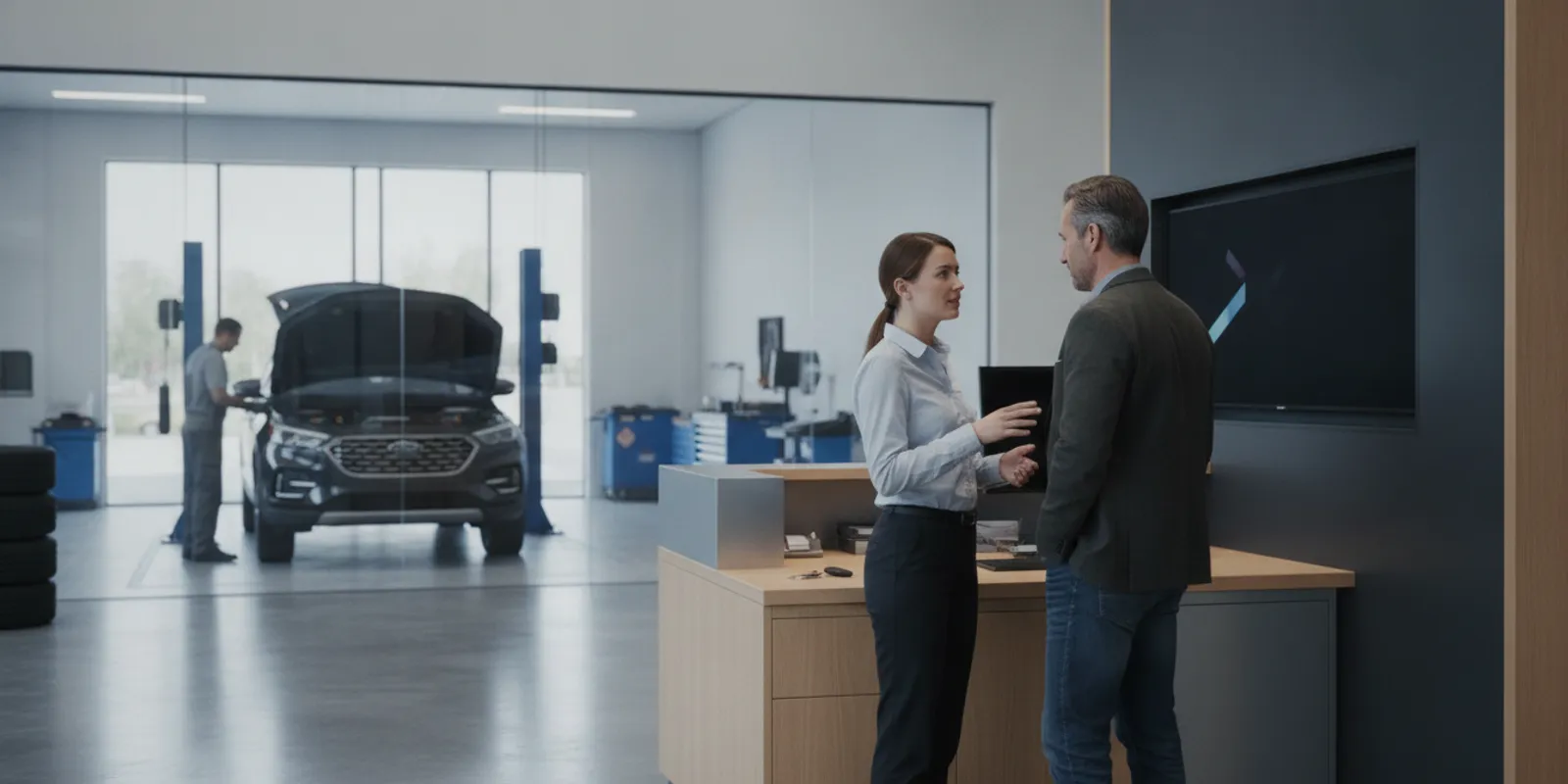
Automating service appointment scheduling in dealerships can make it easier for customers to request a visit and for the service team to manage the work that follows. Automation does not mean removing people from the process. It means using clear rules and connected tools to handle routine steps, while giving customers a reliable way to reach a person when their needs are unclear or time-sensitive.
Talk with BDC Promotions about your dealership's marketing
What does automated service appointment scheduling actually do?
An automated scheduling process lets a customer request or book a service visit through a digital channel, then routes the information into the dealership's service workflow. Depending on the tools and settings, it may offer available times, collect vehicle and visit details, send a confirmation, and remind the customer before the appointment.
These are separate steps, and not every tool does all of them. Some systems collect a request that a staff member must confirm. Others can book into defined capacity. A calendar alone may show appointments but not communicate with customers or prepare the service team. Before choosing software, decide which specific actions should happen automatically and which should remain under staff control.
This guide is about the service lane: customers arranging maintenance, repairs, inspections, or other service visits. That is different from setting a sales appointment with a shopper. Dealerships evaluating lead workflows for vehicle sales can review the separate lead nurturing and appointment-setting service; it is not a service-department scheduling system.
Why should a dealership automate some scheduling steps?
Service customers may want to request an appointment outside the hours when the service desk is available. A digital option gives them a place to start without waiting for a phone conversation. For the dealership, a structured intake can capture details consistently and reduce the number of manual handoffs involved in confirming a visit.
Automation can also make the process easier to review. If a booking request, confirmation status, and reminder activity are recorded in a consistent system, managers can see where requests are waiting and where customers may need help. That visibility is useful only if the data is accurate and someone owns the exceptions.
Automation is not a guarantee of more appointments, higher repair revenue, lower staffing needs, or fewer missed visits. Results depend on the dealership's staffing, hours, capacity, customer mix, system configuration, and follow-up. The first objective should be a dependable customer experience and a process the service team can operate.
Which parts of the service appointment journey can be automated?
Map the whole journey before buying or reconfiguring a tool. Begin when the customer seeks service and continue until the dealership has either completed the visit or closed the loop on a request. Typical automation opportunities include:
- Request intake: Collect a name and preferred contact method, vehicle details, requested service, and preferred day or time. Ask only for information the team will use.
- Availability display: Offer times that match the dealership's real service capacity, if the system can reliably apply the rules.
- Confirmation: Tell the customer whether the time is booked or whether the request is awaiting staff confirmation. Do not treat those states as interchangeable.
- Reminders: Send a timely reminder with the date, time, location, and instructions that the dealership has approved.
- Change and cancellation requests: Provide a route to reschedule or cancel, and make sure the service team's schedule updates when the customer acts.
- Staff handoff: Flag requests that need review, such as unclear concerns, unusual vehicle needs, or a requested time the system cannot confirm.
A software roundup focused on automotive appointment scheduling describes tools that combine appointment scheduling with service-workflow support. That is a useful distinction when reviewing options: check what happens after a time is selected, not just whether a calendar is displayed. See the automotive service appointment scheduling software roundup as one starting point for understanding the software category.
How should the dealership define booking rules?
Automation can only offer good choices when the underlying rules reflect the way the service department works. Involve service leadership and the employees who handle scheduling. Write the rules down before setting up the customer-facing form or calendar.
Set capacity by the work the team can accept
Do not expose every open-looking calendar slot by default. Determine how the dealership wants to allocate appointments across days, times, work types, and staff capacity. A slot may be unavailable because of staffing, parts, equipment, expected work duration, or an internal scheduling policy. The specific constraints will vary by store, so use the department's own operating plan rather than assumptions built into a generic calendar.
When a system cannot represent an important constraint, choose a safer workflow. For example, collect the customer's preferred time as a request and require staff confirmation rather than displaying a slot as guaranteed. This extra review is better than confirming an appointment the department cannot support.
Be clear about what the customer is booking
Use plain labels for the visit type and explain what the customer should do if they are unsure which option fits. Avoid presenting a short menu as a diagnosis tool. A customer may describe a warning light or a noise without knowing the cause. The scheduler can capture the description and route it to a person; it should not promise a repair plan or completion time unless the dealership has a dependable basis for doing so.
Separate a requested time from a confirmed appointment
Choose an explicit status for each stage: request received, staff review needed, confirmed, changed, canceled, or completed. The customer-facing language and staff view should match. If a human needs to approve a request, say that the dealership will follow up to confirm it. If the system books directly, send the confirmation only after the slot is actually reserved.
What information should the booking flow collect?
Ask for enough to prepare and route a request, but do not make the form longer than necessary. A practical starting set may include the customer's name and contact details, vehicle year/make/model or another dealership-approved identifier, a short description of the requested service, and preferred timing. The dealership should decide whether a VIN or other identifier is needed for its process.
Tell customers how the information will be used and link to the dealership's privacy notice where appropriate. Avoid asking customers to submit sensitive payment information or detailed personal information through a general appointment form. Provide a clear phone option for urgent concerns, complex requests, or customers who cannot complete the online process.
Use field labels that a customer can understand. If the appointment request asks for a concern description, explain that the customer can summarize the issue in their own words. Keep the response available to the staff member who will handle the follow-up so the customer does not have to repeat the same details unnecessarily.
How should the tools hand information to the service team?
Map each piece of information from submission to the person responsible for acting on it. A booking is not operationally complete if the customer sees a confirmation but the service team cannot see the appointment or the information needed to prepare.
- Choose the record of truth. Decide which system owns appointment status and capacity. Avoid having separate calendars that can drift apart.
- Define the handoff. Identify which role reviews exceptions, who handles customer callbacks, and how the team knows that a request is waiting.
- Test the data path. Submit test requests for ordinary appointments, changes, cancellations, and requests requiring review. Confirm that each appears in the expected place with the correct details.
- Set an exception queue. Create a visible way to identify failed notifications, incomplete requests, scheduling conflicts, and items that have not been reviewed.
- Document the fallback. Decide what staff should do if the booking tool or an integration is unavailable. Keep a manual route that does not depend on the same failure point.
If the dealership already has a customer or service system, confirm what integrations are supported and what information moves in each direction. Do not assume that two products sync just because both have calendars or customer records. Ask vendors to demonstrate the exact workflow, including changes and cancellations, using a test environment or agreed demonstration data.
Dealerships reviewing broader marketing-to-customer handoffs can also see BDC Promotions' overview of its process. That page describes the agency's marketing process; it should not be read as a claim that BDC Promotions installs or operates service scheduling software.
What customer messages should automation send?
Keep messages useful, accurate, and consistent with the appointment status. A request-received message should not say the appointment is confirmed unless it is. A confirmation should include the date and time, dealership location, and a simple way to ask a question or make a change. Reminders should repeat essential details without overwhelming the customer.
Before sending automated messages, verify the channel, timing, consent, and applicable legal requirements with the dealership's compliance resources. Use customer-approved templates and make sure staff know how to handle replies. A message that invites a reply but is not monitored can create a new service problem.
Plan the communication sequence by event rather than sending the same message on a fixed schedule to everyone. For instance, a request awaiting confirmation needs a different message from a confirmed visit. A change or cancellation should stop reminders tied to the old booking. Test these rules whenever templates or integrations change.
Which workflow approach fits the dealership?
Not every store should automate the same amount. The right choice depends on how predictable the work is, how reliably the system reflects capacity, and how much staff review is needed. Compare the operating trade-offs before choosing a setup.
| Approach | How it works | Best fit | Main risk to manage |
|---|---|---|---|
| Staff-managed calendar | Employees enter and confirm appointments directly. | Teams with specialized scheduling needs or limited system integration. | Requests may wait during busy periods; use clear ownership and tracking. |
| Online request with staff confirmation | Customers submit details and preferences; staff checks capacity and confirms. | Stores that want online intake but need human judgment before booking. | Customers may assume a request is already booked; state the status plainly. |
| Rules-based direct booking | Customers choose from eligible slots that the system reserves automatically. | Stores with reliable capacity rules and a dependable connection to the service schedule. | Incorrect rules or stale availability can create conflicts. |
| Automated booking plus exception review | Routine requests are booked; defined exceptions route to staff. | Teams able to maintain clear rules and monitor a review queue. | Exceptions can be missed if no person owns the queue. |
The choice is not a maturity contest. A carefully managed request-and-confirm flow may be more dependable than direct booking if capacity is difficult to predict. Likewise, direct booking can be convenient when the dealership has reliable scheduling data and a process for handling exceptions. Start with the least complex setup that solves a documented problem.
How can a dealership implement automation in stages?
A phased rollout gives the team a chance to find process gaps before customers depend on the new flow. Keep the scope narrow enough to test and support.
- Document the current path. Follow a real request from first contact through confirmation, arrival, and any change. Note delays, repeated data entry, unclear ownership, and common exceptions.
- Choose one initial use case. For example, begin with online requests for a routine service category that the team can define clearly. Do not attempt to automate every appointment type at once.
- Write the rules and messages. Define eligible slots, what requires staff review, what the customer sees, and who handles unanswered questions.
- Configure and test internally. Run scenarios covering new bookings, unavailable times, incomplete details, rescheduling, cancellation, notification failures, and duplicate submissions.
- Train the people who own the handoff. Show staff where requests appear, how to update statuses, and what to do when automation cannot complete the task.
- Launch in a controlled way. Make the new option visible to a defined group or channel first if the dealership's tools allow it. Keep the existing contact route available during the transition.
- Review and adjust. Look at customer confusion, queue delays, schedule conflicts, and staff feedback. Change one element at a time so the team can tell whether the adjustment helped.
Assign an owner for ongoing maintenance. Appointment rules can become outdated as staffing, operating hours, or service policies change. A quick review after operational changes can prevent old settings from continuing to offer unsuitable options.
What should a dealership measure?
Choose measures that identify whether the workflow is working, rather than reporting a large number of activity totals without context. Establish a baseline from the dealership's own records where possible, then compare similar periods and appointment types.
- Request completion: How many customers who start the flow submit a complete request or booking? Review abandonment alongside usability feedback.
- Confirmation time: For requests requiring staff review, how long does it take to confirm or respond? Segment by time of day if that helps identify coverage gaps.
- Schedule accuracy: How often do bookings need correction because of an availability or data problem? Record the reason, not just the count.
- Customer changes and missed visits: Track rescheduling, cancellation, and arrival outcomes by appointment type. Do not assume a reminder alone caused a change in attendance.
- Staff workload: Ask whether the new process reduces repeated entry or instead creates extra exception handling. Include both customer-facing and back-office effort.
- Customer feedback: Collect comments about ease of booking, clarity of confirmation, and the usefulness of reminders.
Set definitions before reporting. For example, distinguish a submitted request from a confirmed booking, and a confirmed booking from a completed service visit. Keep the categories consistent across the scheduling tool and any management report. Avoid attributing changes in service revenue to scheduling automation alone when other factors changed at the same time.
What common problems should the team prevent?
Offering slots the shop cannot support. Review capacity rules with the service team and test them against real operating conditions. If a rule cannot be represented reliably, route the request for review.
Leaving requests in an unowned queue. Name a role responsible for reviewing exceptions and establish a backup. A notification is not a handoff unless someone is accountable for acting on it.
Sending messages that overpromise. Make the difference between a request and a confirmed visit unmistakable. Do not promise a repair diagnosis, parts availability, or vehicle completion time through a generic scheduling confirmation.
Collecting more data than necessary. Each additional field can add friction and creates information the dealership must handle appropriately. Ask whether the service team needs each field to confirm or prepare the visit.
Ignoring customers who prefer human help. Keep a visible phone route and train staff to assist customers who have trouble online or need to explain a complex concern. Automation should add an option, not leave a customer without a next step.
Failing to retest after changes. Updates to service hours, capacity, message templates, or integrations can alter the customer experience. Test the paths affected by a change and confirm that old reminders are not triggered for changed appointments.
How does service scheduling connect to dealership marketing?
Marketing can create awareness and bring customers to a dealership's digital touchpoints, but the service appointment workflow has its own operational requirements. Keep the responsibilities clear. A marketing campaign or landing page should describe the next step accurately; the scheduling process should then capture the request, reflect true availability, and tell the customer what happens next.
If the dealership is reviewing how campaigns and customer handoffs fit together, explore BDC Promotions' automotive marketing services and its advertising work. These links describe the agency's marketing scope, not service-lane software or a promise to manage repair appointments. For an overview of the company, visit about BDC Promotions.
For a broader discussion of dealership marketing systems and evaluation questions, see the automotive marketing agency evaluation guide. Keep the service workflow decision grounded in the dealership's own staff, schedule, customer expectations, and tool capabilities.
What is a practical starting plan?
Start with one common service request and map how it moves through the dealership today. Agree on what information is necessary, who confirms the appointment, which times can be offered, and what the customer should receive at each step. Then decide whether the initial version should accept requests for staff confirmation or book directly into defined availability.
Before opening the flow to customers, run test appointments from beginning to end. Confirm that records land in the right place, that staff can see and act on exceptions, and that confirmation and reminder messages reflect the latest status. Keep a phone route available, review the first weeks of operation with the service team, and refine rules using observed problems rather than assumptions.
Contact BDC Promotions to discuss dealership marketing
Frequently Asked Questions
Can a dealership automate every service appointment?
Not necessarily. Routine, clearly defined visits may fit automated booking, while unusual requests or capacity-sensitive work may need staff review. The dealership should choose the level of automation its scheduling rules and systems can support reliably.
Is an online appointment request the same as a confirmed booking?
No. A request may still need a staff member to check availability and confirm the time. Tell customers which status applies and send a confirmation only when the dealership has reserved the appointment.
What should a dealership check before choosing scheduling software?
Check whether it can represent the dealership's capacity rules, connect to the system that owns the service schedule, handle changes and cancellations, route exceptions, and send accurate customer messages. Ask for a demonstration of the complete workflow rather than reviewing a feature list alone.
How can a dealership tell whether automation is helping?
Track request completion, time to confirmation, schedule corrections, customer changes, staff workload, and customer feedback. Compare consistent definitions and similar appointment types, and avoid crediting automation alone for outcomes affected by other changes.
Does BDC Promotions provide dealership service scheduling software?
BDC Promotions' documented services focus on automotive marketing, paid social campaigns, lead engagement, and appointment generation. Service-department scheduling software is outside that documented scope, so dealerships should confirm software needs with the relevant scheduling providers.
A reliable automated schedule starts with realistic capacity, clear customer communication, and a named person responsible for exceptions. Build those foundations first, then automate only the steps the dealership can support consistently.